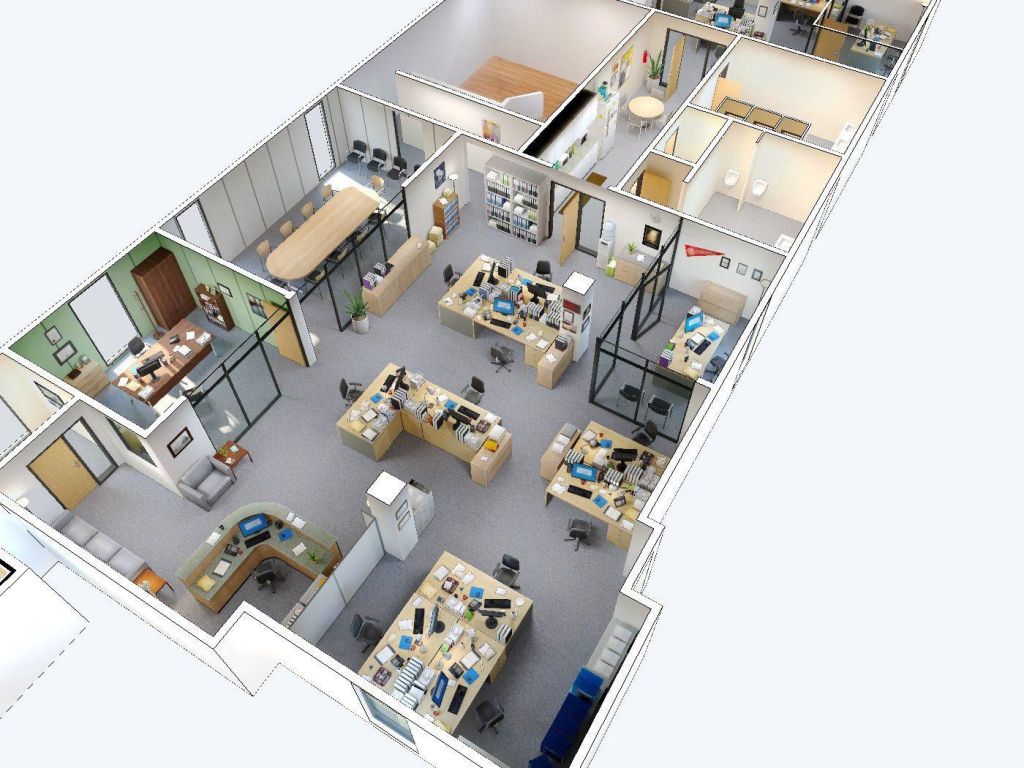
Troubleshooting Common Issues with Floor Plan Design Software
Floor plan design software is a powerful tool for event planners, architects, and interior designers. However, like any software, it can encounter issues that disrupt workflow and cause frustration. Understanding how to troubleshoot these common problems can save time and ensure smooth project execution. Here’s a guide to troubleshooting common issues with floor plan design software.
1. Installation and Setup Issues
Purpose:
Identify and resolve problems that occur during the installation and setup of floor plan design software.
Key Points:
- Compatibility: Ensure your system meets the software’s minimum requirements.
- Permissions: Check for necessary administrative permissions to install the software.
- Corrupt Downloads: Verify the integrity of the downloaded installation files.
Solutions:
- System Requirements: Double-check that your computer’s hardware and operating system are compatible with the software.
- Administrative Rights: Run the installer as an administrator to avoid permission issues.
- Re-download: If the installation files are corrupted, delete them and download the software again from a reliable source.
2. Performance and Speed Issues
Purpose:
Address performance-related issues that slow down the software or cause it to crash.
Key Points:
- System Resources: High resource usage can cause the software to lag or crash.
- Software Updates: Outdated software versions may have performance bugs.
- Background Processes: Other running applications may interfere with the software’s performance.
Solutions:
- Close Unnecessary Applications: Free up system resources by closing unnecessary background processes.
- Update Software: Regularly check for and install software updates to benefit from performance improvements and bug fixes.
- Optimize System: Increase virtual memory and disk space, and consider upgrading hardware if performance issues persist.
3. File Compatibility and Corruption
Purpose:
Resolve issues related to file compatibility and corruption that prevent opening or saving projects.
Key Points:
- File Formats: Ensure the software supports the file formats you are using.
- Corrupted Files: File corruption can prevent files from opening correctly.
- Software Version: Incompatibilities between different software versions can cause file issues.
Solutions:
- Supported Formats: Check the software’s documentation for supported file formats and convert files if necessary.
- File Recovery: Use built-in file recovery tools or third-party software to attempt file recovery.
- Consistent Versions: Maintain consistency in software versions across different devices and collaborators.
4. Rendering and Visualization Problems
Purpose:
Fix issues that affect the rendering and visualization of floor plans.
Key Points:
- Graphics Drivers: Outdated or incompatible graphics drivers can cause rendering issues.
- Software Settings: Incorrect rendering settings can affect visualization quality.
- Complex Models: Large or complex models may not render correctly.
Solutions:
- Update Graphics Drivers: Regularly update your graphics drivers to ensure compatibility.
- Adjust Settings: Modify rendering settings within the software to optimize performance.
- Simplify Models: Reduce the complexity of your models by breaking them into smaller parts or reducing detail.
5. Crashes and Freezes
Purpose:
Identify and fix issues that cause the software to crash or freeze.
Key Points:
- Insufficient Resources: Lack of memory or processing power can cause crashes.
- Conflicting Software: Other software running on your system may conflict with the floor plan design software.
- Corrupted Installations: Corrupted installation files can cause instability.
Solutions:
- Resource Management: Ensure your system has sufficient resources, and close other applications while using the software.
- Check for Conflicts: Identify and resolve conflicts with other software or background processes.
- Reinstall Software: Uninstall the software, delete residual files, and reinstall it to fix corrupted installations.
6. Licensing and Activation Issues
Purpose:
Resolve problems related to software licensing and activation.
Key Points:
- License Key: Incorrect or expired license keys can prevent software activation.
- Internet Connection: Activation may require a stable internet connection.
- License Limits: Exceeding the number of allowed installations can cause activation failures.
Solutions:
- Verify License Key: Double-check that you are entering the correct license key and that it is still valid.
- Stable Connection: Ensure you have a stable internet connection during activation.
- License Management: Contact the software provider if you need to transfer or extend your license.
7. User Interface and Usability Issues
Purpose:
Address issues related to the user interface and usability of the software.
Key Points:
- Interface Glitches: UI glitches can hinder the use of certain features.
- Customization: Difficulties in customizing the interface to suit your workflow.
- Learning Curve: New users may find the software challenging to navigate.
Solutions:
- Update Software: Keep the software updated to benefit from UI improvements and bug fixes.
- User Training: Invest time in training and tutorials to become familiar with the software.
- Customization Options: Explore and utilize available customization options to improve usability.
Opinion
Floor plan design software is a vital tool for creating detailed and accurate layouts. By understanding how to troubleshoot common issues such as installation problems, performance slowdowns, file compatibility issues, rendering problems, crashes, licensing challenges, and usability concerns, you can ensure a smoother and more efficient workflow. Implement these troubleshooting solutions to overcome obstacles and make the most of your floor plan design software.
 Alex Blogs
Leave a comment